軟件介紹
tesseract ocr是原先惠普開發的圖像識別類庫,后面成為Open source,據說曾經的圖像識別能力排名第三,為大家提供的版本是4.0.0 for windows。 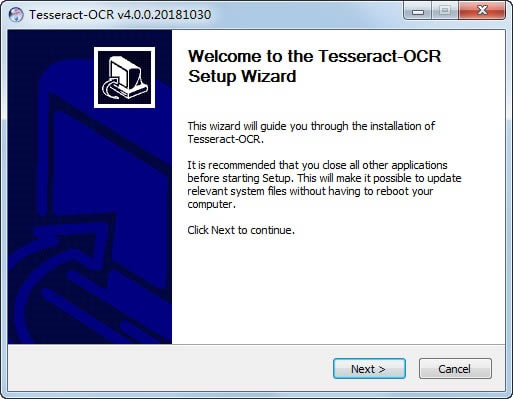
使用方法 下載完后進行安裝,默認情況下安裝程序會給你配置系統環境變量,以指向安裝目錄(之后可以通過DOS界面在任意目錄運行tesseract)。安裝完成后目錄如下:
附錄: 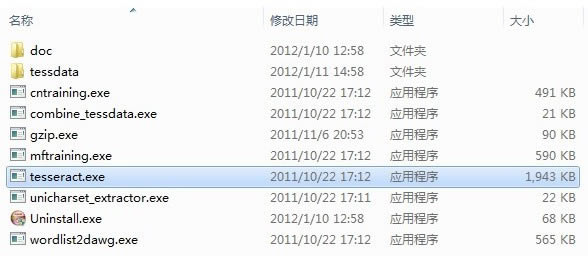
tessdata 目錄存放的是語言字庫文件,和在命令行界面中可能用到的參數所對應的文件. 這個安裝程序默認包含了英文字庫。
使用Tessract-OCR引擎識別驗證碼
打開DOS界面,輸入tesseract: 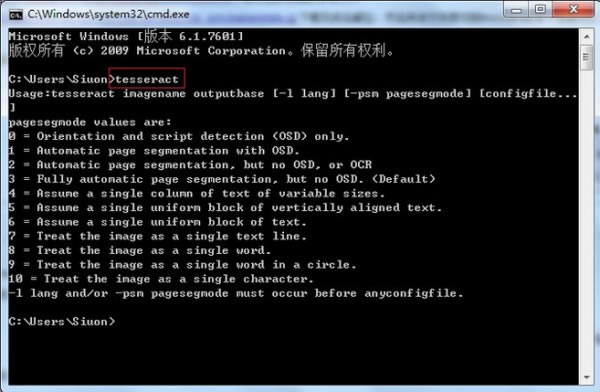
如果出現如上輸出,表示安裝正常。
我準備了一張驗證碼 放在D盤根目錄下,上圖: 放在D盤根目錄下,上圖: 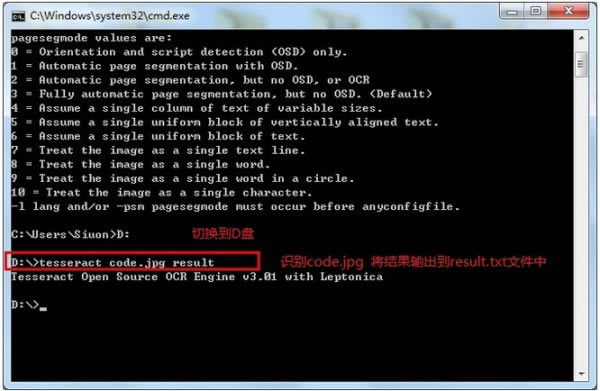
結果為: 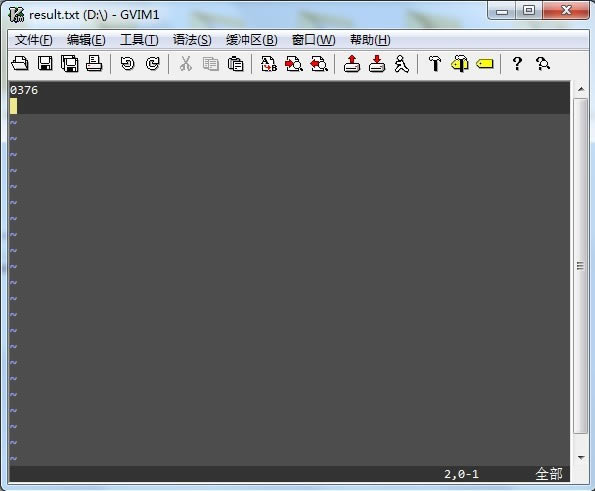
附錄:
Usage:tesseract imagename outputbase [-l lang] [-psm pagesegmode] [configfile...]
pagesegmode values are:
0 = Orientation and script detection (OSD) only.
1 = Automatic page segmentation with OSD.
2 = Automatic page segmentation, but no OSD, or OCR
3 = Fully automatic page segmentation, but no OSD. (Default)
4 = Assume a single column of text of variable sizes.
5 = Assume a single uniform block of vertically aligned text.
6 = Assume a single uniform block of text.
7 = Treat the image as a single text line.
8 = Treat the image as a single word.
9 = Treat the image as a single word in a circle.
10 = Treat the image as a single character.
-l lang and/or -psm pagesegmode must occur before anyconfigfile.
tesseract imagename outputbase [-l lang] [-psm pagesegmode] [configfile...]
tesseract 圖片名 輸出文件名 -l 字庫文件 -psm pagesegmode 配置文件
例如:
tesseract code.jpg result -l chi_sim -psm 7 nobatch
-l chi_sim 表示用簡體中文字庫(需要下載中文字庫文件,解壓后,存放到tessdata目錄下去,字庫文件擴展名為 .raineddata 簡體中文字庫文件名為: chi_sim.traineddata)
-psm 7 表示告訴tesseract code.jpg圖片是一行文本 這個參數可以減少識別錯誤率. 默認為 3
configfile 參數值為tessdataconfigs 和 tessdata essconfigs 目錄下的文件名
|
[溫馨提示]:
點下面下載:(推薦使用"迅雷"進行下載,系統下載大全QQ交流群:)


